 Hookie
Receive, route and deliver webhooks — and keep every one.
Give every sender its own URL. Hookie stores each payload whole before a rule runs, routes it into datasets you name, and delivers it to your endpoints signed with Hookie-Signature and Standard Webhooks — retried with backoff, replayable when your service was down. Forms, alerts and survey responses work too: anything that can POST.
Free tier included · Pro $9.99/mo · No credit card to start
Prefer a terminal, or an AI agent? hookie manages your account and projects with everything the console can do. See the CLI, or let an agent sign itself up.
POST /acme/growth/leads
{ "email": "[email protected]", "plan": "pro" }
201 Created
{ "routed": ["leads"], "records": 1 }See every delivery, and why it failed
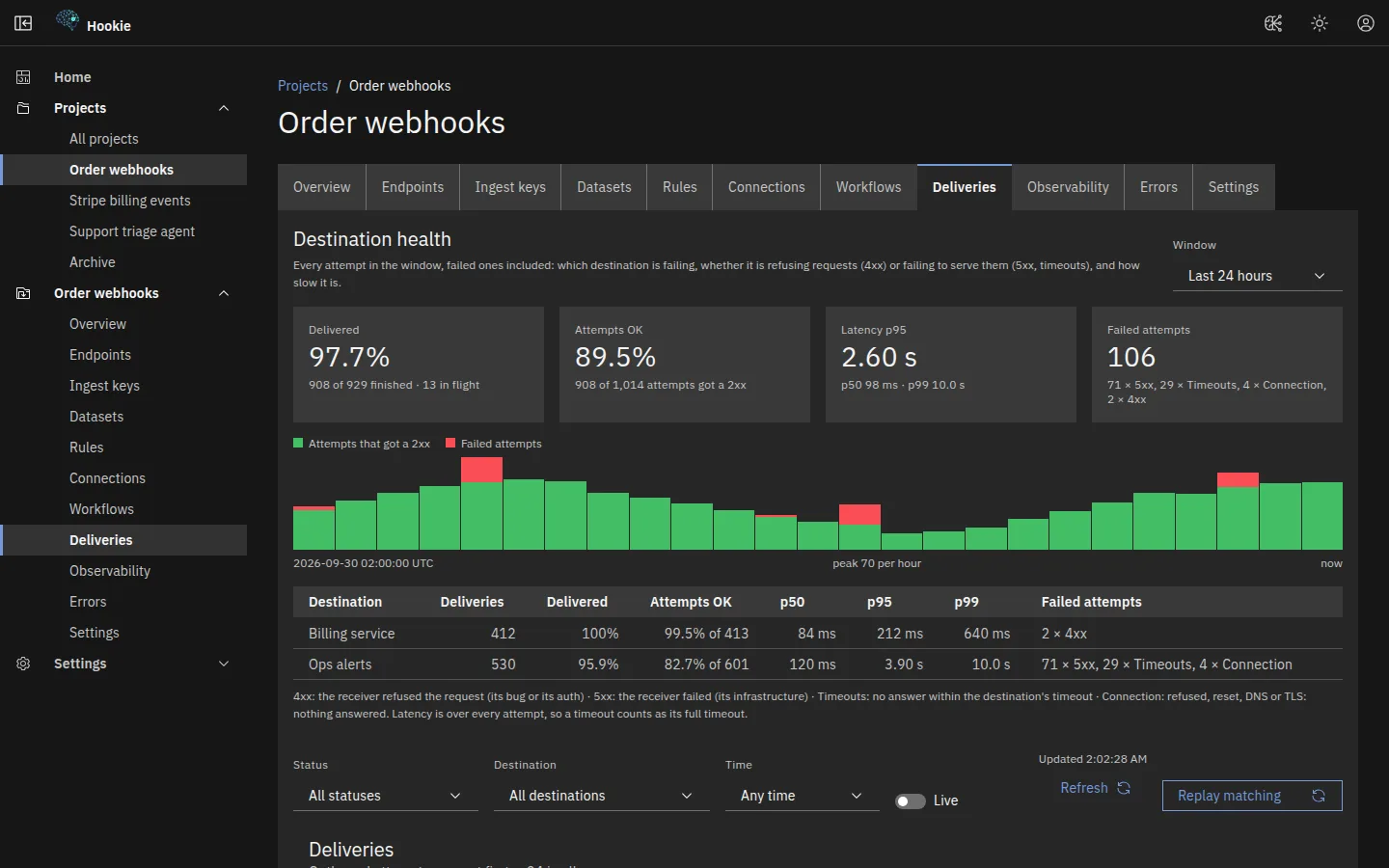
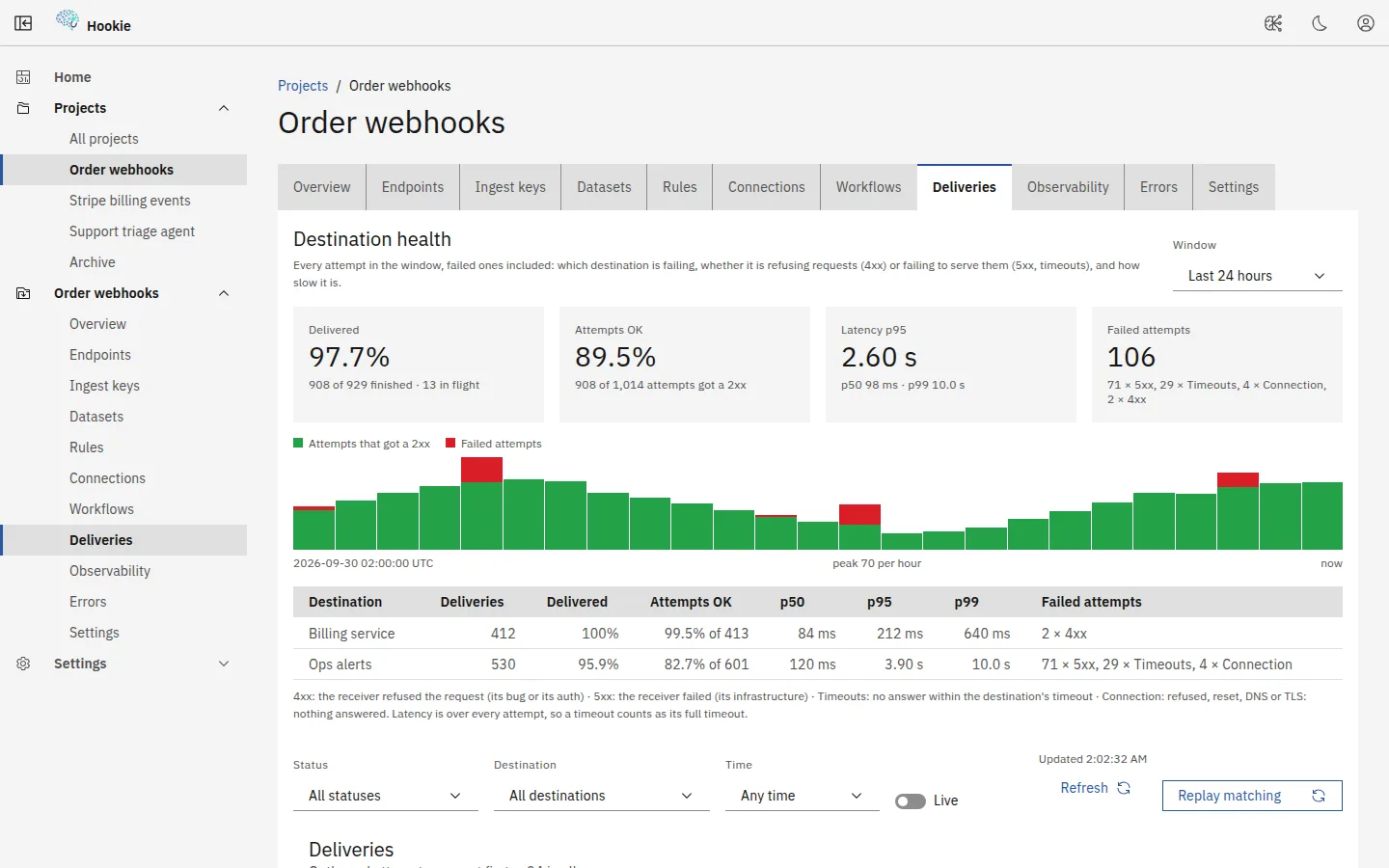
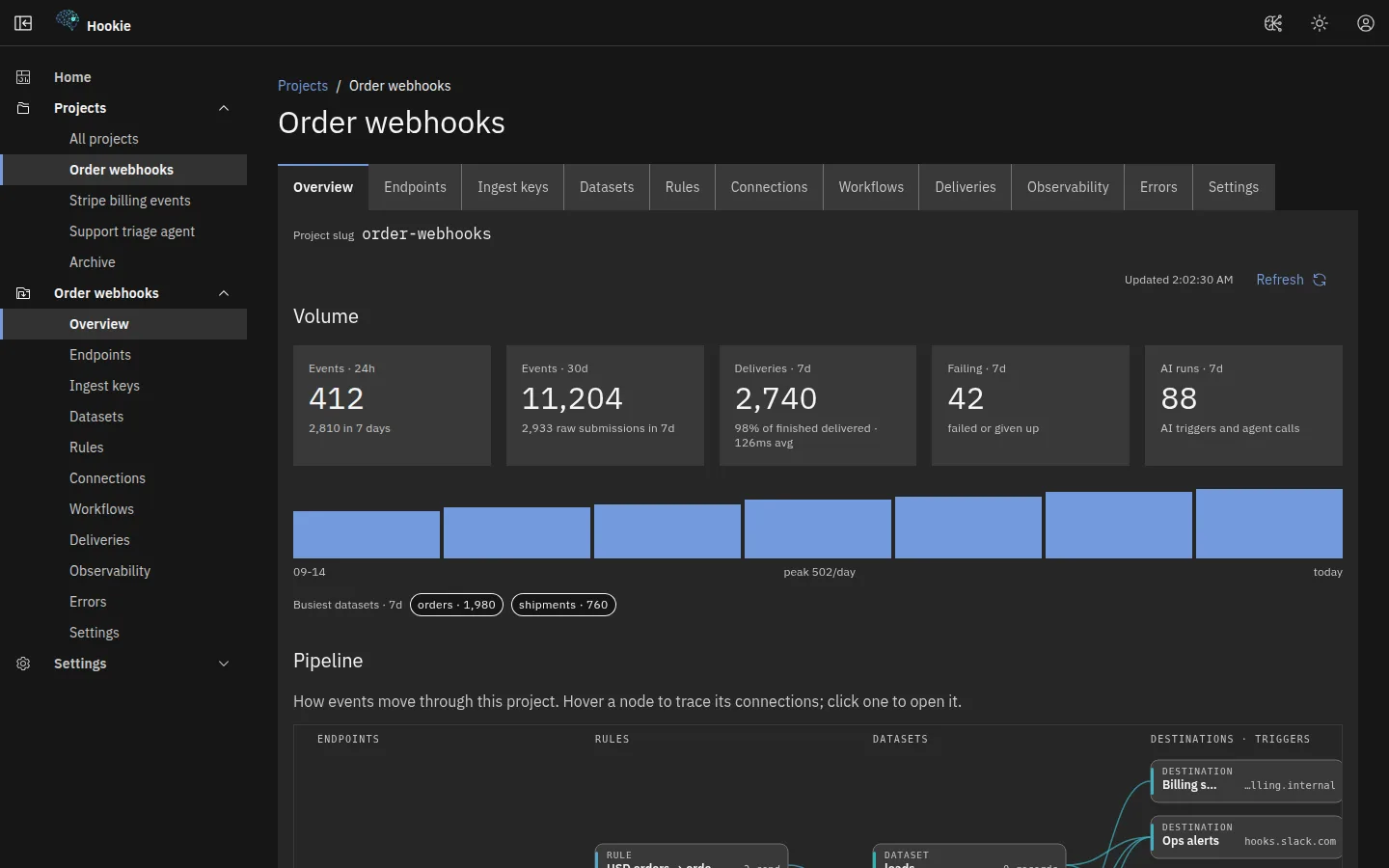
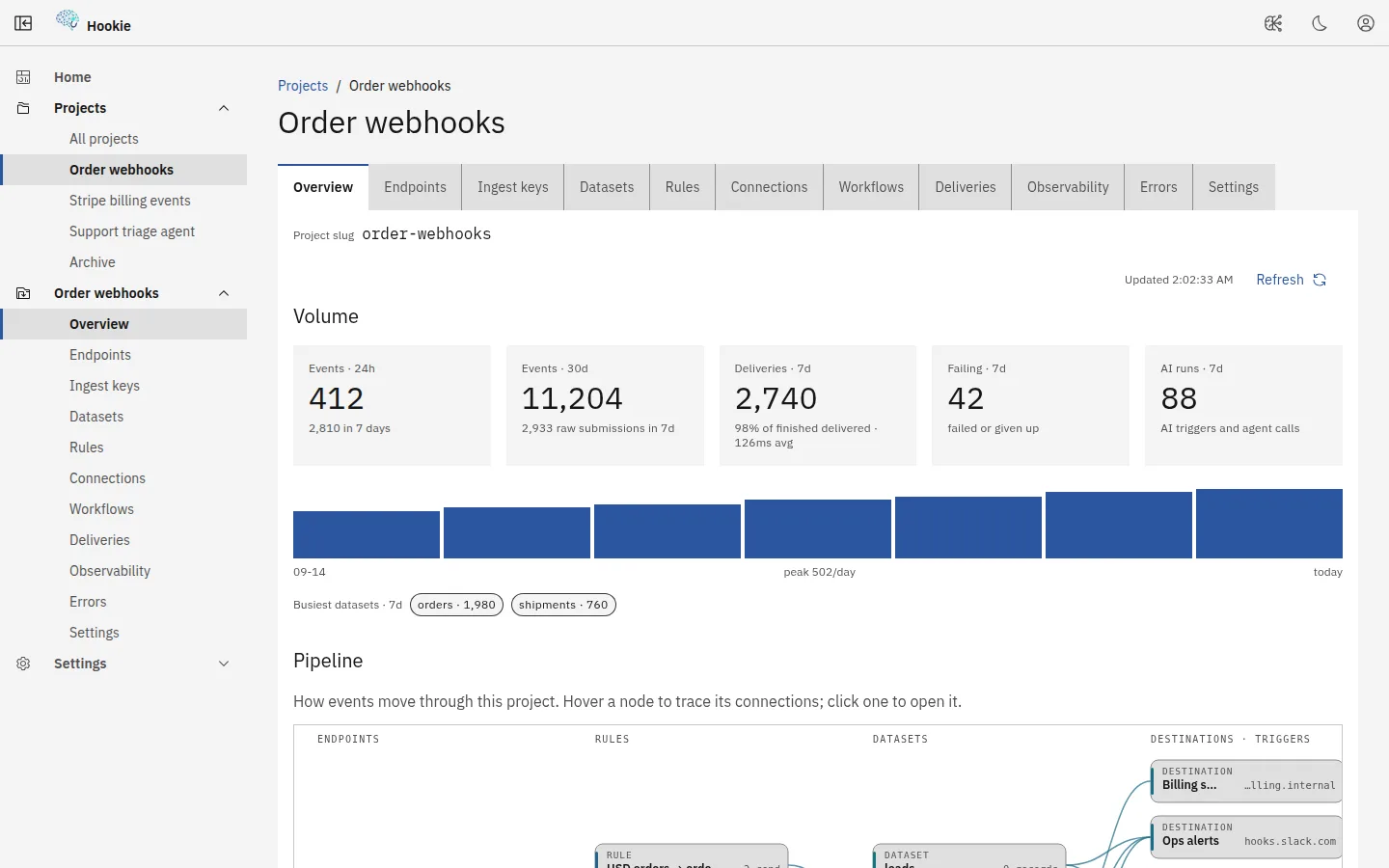
Each delivery shows its status, the response your endpoint returned and how many attempts it took. Replay one, or every failure in a window. Every project draws its own pipeline, from endpoint through rules and datasets to destinations.
Build workflows visually
Design multi-step, event-driven workflows without running your own queue or state store — drag steps onto a canvas and fill in each one in a side panel. A read-only JSON view shows exactly what Save sends: the same definition you can edit through the API, the CLI or your MCP agent.
Canvas
Drag steps from the palette, or add them from the keyboard, and connect them by their handles. A branch has then and else arms. Zoom, pan, a minimap, auto-layout, undo and redo, duplicate and delete are built in.
Edit panel
Select a step to fill in its form: dataset pickers, an AI-agent dropdown and condition rows, with its connections as a list you can set without a mouse. Problems are flagged on the canvas before you can save.
Runs on the graph
Pick a run and each step shows completed, running, waiting, failed or skipped, with times and errors in a per-step table. Cancel or retry the run from the same view.
The same diagram whether you're looking at a workflow's definition or a live running instance — instances recolor each node from execution history: completed, current, waiting, or failed with the error inline.
Everything that currently has nowhere to live
Most of this isn't a webhook from some vendor. It's the small inbound messages your business generates itself — the ones half-handled by an email alias, a channel that scrolls, and a spreadsheet somebody maintains by hand. Hookie isn't an inbox, a helpdesk or a form builder; it's the durable store underneath them.
Contact-us and lead forms
Point your form's action straight at the endpoint URL. Hookie reads form-encoded and multipart bodies, so a plain <form method="post"> works with no JavaScript at all — the submission is on the record before your thank-you page renders.
Status, uptime and error alerts
Uptime checks, log alarms, CI failures, cron sentinels — anything that can POST. Give each its own URL and its own dataset, and your incident history stops being whatever is still scrolled up in a channel.
Survey and feedback responses
Each response becomes a row you can sort, filter and hand over as a spreadsheet. Checkboxes and multi-selects arrive intact as lists, not one value with the rest dropped.
Notifications from tools you pay for
Stripe, GitHub, and anything else with a webhook field: paste the URL, pick the dataset, done. Presets ship recommended routing for Stripe, GitHub and Shopify, and the endpoint checks the provider's own signature before anything is stored.
Signups, bookings and orders
The small confirmations that matter and have no home — a waitlist signup, a demo booking, an order from a landing page you stood up last week. One POST and it is kept, searchable and forwardable.
Your own scripts, schedules and databases
curl from a bash script, a line in a Worker, a cron trigger that fires on a schedule, or a connector that polls a PostgreSQL table for new and changed rows. Same URL shape, same datasets, same pipeline.
Kept, filed, findable, forwarded
One URL per thing you collect
Each intake gets its own long, unguessable address — and the URL is the credential, so there is no key to rotate and no SDK to install. Add a required signature or an IP allowlist when you want a second lock.
Nothing quietly disappears
Every submission is written down whole the moment it arrives, before a single rule runs — so a routing change you make next month can't retroactively lose what came in today. Send it twice and idempotency hands back the original.
Filed into piles you named
Rules drop each message into a dataset you name — contact_us, uptime_alerts, nps_responses — keeping the whole payload or just the fields you care about. Leave the conditions empty and it catches everything.
Find it again in seconds
Every dataset is a sortable table you can filter by date or search by any text inside the payload — an email address, an error string, an order number. Export to CSV or XLSX when someone wants a spreadsheet.
Then send it where it belongs
Signed outbound webhooks push each new message to any HTTPS endpoint you run — retried with backoff for about a day, dead-lettered if the far side stays down, replayable with one click. Or tail the whole stream live.
Have it read for you
Point an AI trigger at a dataset and every arrival gets handled on the spot — urgency scored on a contact form, severity on an alert, sentiment on a survey answer — with the result written back as its own record.
Stop losing things. Start with one URL.
Free tier, no credit card. Point your contact form at it today; send your alerts tomorrow.
Start free